
Three extracurricular activities consistently prepare children for 2026’s tech-driven world while building real community connections: robotics clubs, digital storytelling workshops, and coding mentorship programs. Each combines hands-on technology skills with collaboration, creativity, and the kind of problem-solving employers and colleges actually look for.
Your child doesn’t need expensive equipment or prior experience to start. Most communities now offer accessible entry points, from library makerspaces to volunteer-led coding groups, meaning geography and budget no longer dictate who gets to explore these fields. The difference between a child who simply uses technology and one who creates with it often comes down to a single after-school activity that sparked curiosity.
What makes these three stand out? They move beyond passive screen time into active creation. Robotics clubs teach engineering thinking through building and competition. Digital storytelling turns kids into directors, writers, and editors who understand how messages shape audiences. Coding mentorship pairs your child with someone who’s already walked the path, making technology feel approachable rather than intimidating.
Parents often worry their child will fall behind peers who started younger or that they themselves lack the technical background to support new interests. The truth is simpler: children who start today, supported by welcoming communities and clear guidance, catch up faster than you’d expect. These activities thrive on curiosity, not prior knowledge.
Why These Three Activities Stand Out
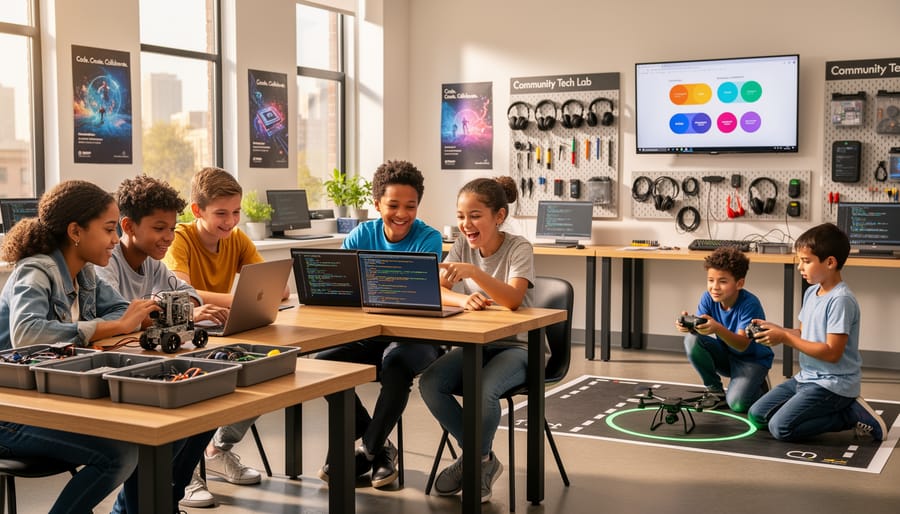
Not all extracurricular activities deliver equal benefits for your child’s development. The three activities we’re recommending share specific characteristics that make them particularly valuable in preparing children for tomorrow’s world while enriching their lives today.
First, each activity naturally blends technical skill-building with meaningful community engagement. Your child isn’t just learning to code or build robots in isolation, they’re connecting with peers, mentors, and sometimes even the broader community through shared projects and goals. This combination ensures they develop both the hard skills employers will value and the soft skills that make for fulfilling lives.
Second, these activities welcome beginners and challenge advanced learners alike. Whether your child has never written a line of code or already tinkers with technology at home, they’ll find an appropriate entry point and room to grow. This accessibility matters because it removes barriers that keep many families from exploring tech education.
Finally, research consistently shows that hands-on, collaborative learning experiences boost both social and cognitive development. When children work together to solve real problems, debugging code, redesigning a robot, or creating technology solutions for their community, they’re building critical thinking, resilience, and communication skills that transfer far beyond the activity itself.
1. Coding Clubs: Where Creativity Meets Problem-Solving
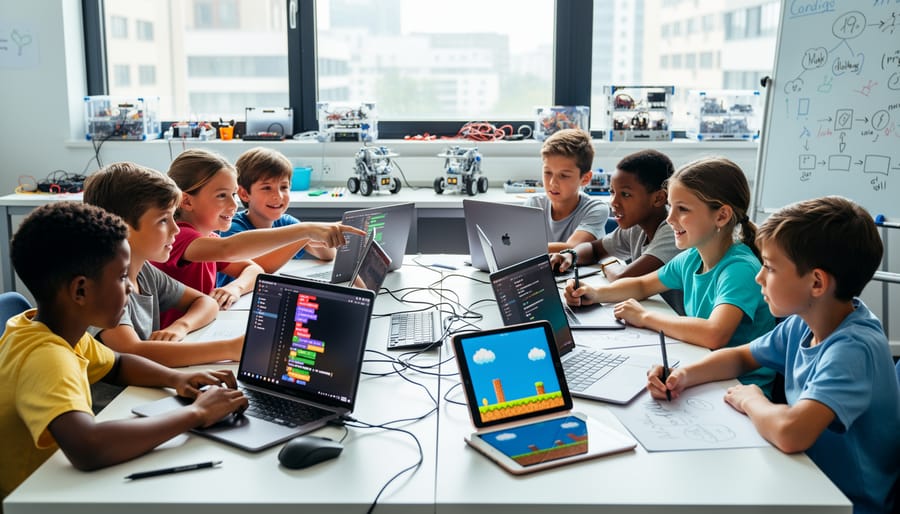
Coding clubs transform abstract programming concepts into creative adventures where children work together, experiment freely, and discover that making mistakes is just part of building something amazing.
These clubs come in different shapes to fit various schedules and learning preferences. After-school programs offer consistent weekly sessions where children dive deeper into projects over time, building skills incrementally. Weekend workshops provide intensive bursts of learning, perfect for exploring new topics or completing special projects. Online communities connect young coders across distances, letting them collaborate on GitHub repositories, share projects on platforms like Scratch, and troubleshoot together in real-time chat rooms. Many families find that mixing formats, a regular in-person club supplemented by online communities, gives children both structure and flexibility.
The magic happens when children see their code come to life. They might spend weeks building a simple platformer game where they design the levels, create character movements, and troubleshoot why their jump mechanics send players flying off-screen. Or they’ll animate stories, bringing characters to life with code while learning loops, conditionals, and sequencing. Mobile app development projects let older children tackle real problems, like designing a homework tracker or building a quiz app to help classmates study.
Activities adapt beautifully across age groups and skill levels:
- Block-based coding (ages 6-10): Drag-and-drop programming that builds logical thinking and sequencing skills
- Game design projects (ages 8-13): Creating interactive stories and simple games that teach event-driven programming
- Web development (ages 11-15): Building actual websites with HTML, CSS, and JavaScript that develop design and problem-solving abilities
- App creation (ages 13-16): Developing mobile applications that combine multiple programming concepts with user experience design
The community element makes coding clubs special. Children naturally become each other’s teachers, explaining concepts in ways that resonate with peers. When someone’s sprite won’t move or their loop runs infinitely, three other kids gather around to debug together, celebrating when they crack the problem. Mentors and instructors create an atmosphere where errors aren’t failures but necessary stepping stones, encouraging children to share half-finished projects and ask questions without fear of judgment.
2. Robotics Teams: Hands-On Learning That Moves
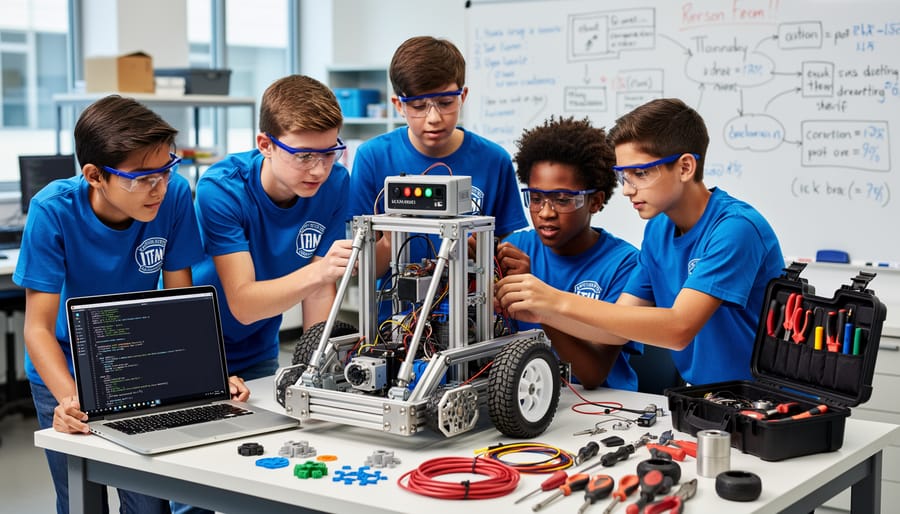
Robotics teams turn programming into something you can see, touch, and cheer for. Children build physical robots, complete with wheels, sensors, and mechanical arms, then write code to bring them to life. Watching a robot successfully navigate an obstacle course or complete a task makes abstract concepts like loops and conditional statements suddenly click in a way that staring at a screen never could.
These teams thrive on collaboration. One child might focus on mechanical design, figuring out gear ratios and structural stability. Another tackles the programming logic, determining how sensors should trigger different actions. A third handles strategy, planning how the robot will perform in competition or demonstration scenarios. They quickly learn that none of these roles works in isolation, the programmer needs to understand what the robot can physically do, while the builder needs to know what the code requires. This back-and-forth teaches children to explain technical ideas to teammates who think differently, a skill that extends far beyond robotics.
Most robotics programs follow a project-based structure. Teams might prepare for regional competitions like FIRST LEGO League or VEX Robotics, where robots face specific challenges that change each season. Others focus on community demonstrations at science fairs or local events. Either way, children experience the full cycle of design, testing, failure, and iteration. When their robot doesn’t perform as expected, they troubleshoot together, checking code line by line, adjusting mechanical components, and retesting until they solve the problem.
The hands-on nature makes robotics particularly engaging for kinesthetic learners who struggle with traditional academics. It also creates natural entry points for introducing AI concepts as teams explore how robots can learn from their environment and make decisions. Schools, libraries, and community centers increasingly stock robotics kits and connect families with experienced mentors, making this activity more accessible than ever.
3. Tech-Focused Community Service Projects: Coding for Good
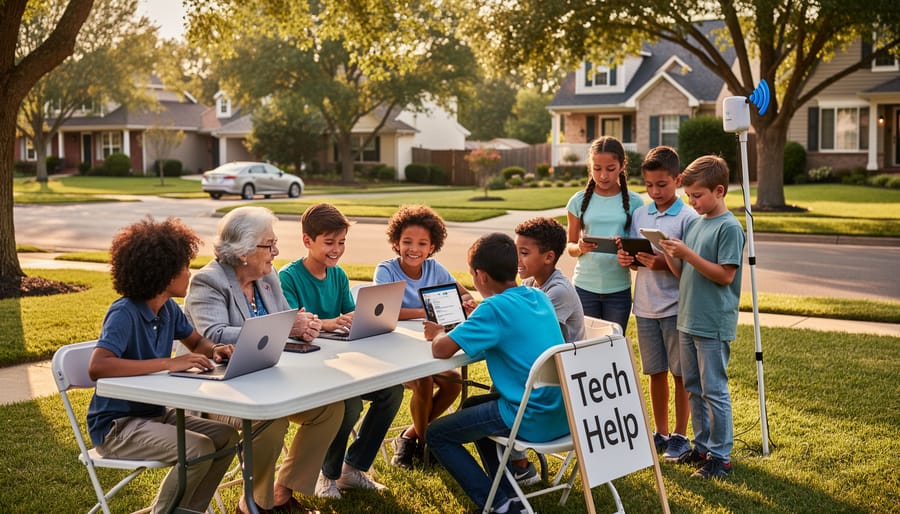
Tech skills become meaningful when children see how their learning can help real people. Community service projects let kids apply what they’ve learned in coding clubs or robotics teams to solve actual problems their neighbors face. A ten-year-old building a website for the local animal shelter isn’t just practicing HTML, she’s helping homeless pets find families. That connection between code and consequence changes how children view technology.
- Building simple websites for community gardens, youth sports teams, or neighborhood associations
- Creating digital flyers or social media content for local fundraisers
- Organizing one-hour “Tech Help” sessions at the library for seniors learning smartphones
- Developing basic inventory trackers for food banks using spreadsheet skills
- Teaching scratch programming to younger kids at community centers
These projects work because they start small and scale with a child’s abilities. The local food pantry doesn’t need enterprise software, they need someone who cares enough to help them track donations more easily. Through coding partnerships with charities children discover that even beginner skills have value.
The mentorship circle makes these projects especially powerful. Kids learn from adult instructors, then turn around and teach technology literacy workshops for seniors or younger children. That role reversal builds confidence differently than classroom achievement. When a twelve-year-old patiently shows a grandmother how to video call her grandchildren, both learn something valuable, one about technology, the other about purpose and patience.
Community service projects also build empathy in ways purely technical activities can’t. Children start asking better questions: Who will use this? What problem does it actually solve? Is this helping or just showing off? They learn that good technology serves people, not the other way around. Those insights stick with kids long after specific programming languages become outdated.
Getting Started: Making Extracurriculars Work for Your Family
Starting an extracurricular activity doesn’t need to feel overwhelming. Begin by having a conversation with your child about what sounds interesting, would they rather build something physical like a robot, create digital art through coding, or help others with technology? Let their natural curiosity guide the choice rather than picking what seems most impressive.
Most communities offer more options than you might expect. Check with your child’s school first, as many run after-school coding or robotics programs at little or no cost. Public libraries frequently host free workshops and maintain lists of local tech programs. Community centers, makerspaces, and youth organizations like 4-H often provide equipment and instruction, removing the barrier of buying expensive kits or computers.
If cost is a concern, look for programs that supply all materials and offer sliding-scale fees or scholarships. Many robotics teams share equipment, and coding clubs typically just need access to a computer, something libraries provide if you don’t have one at home.
Start with one activity and commit to trying it for a few weeks before adding more. Most programs welcome complete beginners and pair newcomers with experienced kids or mentors. No prior knowledge is required, and the learning curve is gentler than you think.
Remember, you’re not just building technical skills. These activities teach resilience, teamwork, and creative thinking, abilities that matter in any future career path your child chooses.
Coding clubs, robotics teams, and tech-focused community service projects aren’t just about learning to program, they’re about building confident, creative young people who know how to solve problems, work with others, and contribute meaningfully to their communities. Together, these activities create a foundation that goes far beyond technical skills. They teach persistence when code doesn’t work, collaboration when building a robot, and empathy when helping others through technology.
Do I need to know how to code to support my child?
Not at all. Your role is to encourage curiosity and celebrate their efforts, not to teach the technical details. Most programs provide mentors and instructors who guide the learning.
What if my child loses interest?
That’s perfectly normal. Let them try different activities to find what sparks their passion. The skills they’ve gained, problem-solving, teamwork, creative thinking, transfer to whatever they pursue next.
How much time should extracurriculars take?
Start with one activity for an hour or two per week. Balance matters more than intensity, and you can always adjust as you see what works for your family.
Are these activities expensive?
Many schools, libraries, and community centers offer free or low-cost programs. Online resources and community-organized clubs often cost nothing, making tech learning accessible to all families.
You’re not raising the next Silicon Valley entrepreneur, you’re nurturing a curious, capable child who can navigate and shape a world where technology and human connection both matter. Just like why field trips matter for hands-on learning, these activities offer real experiences that textbooks can’t replicate. Start with whichever activity excites your child most, and watch them discover what they’re capable of creating.